

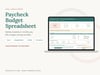
Biweekly Paycheck Budget Spreadsheet for Excel & Google Sheets
How much can you spend today? This spreadsheet tells you, every time you open it.
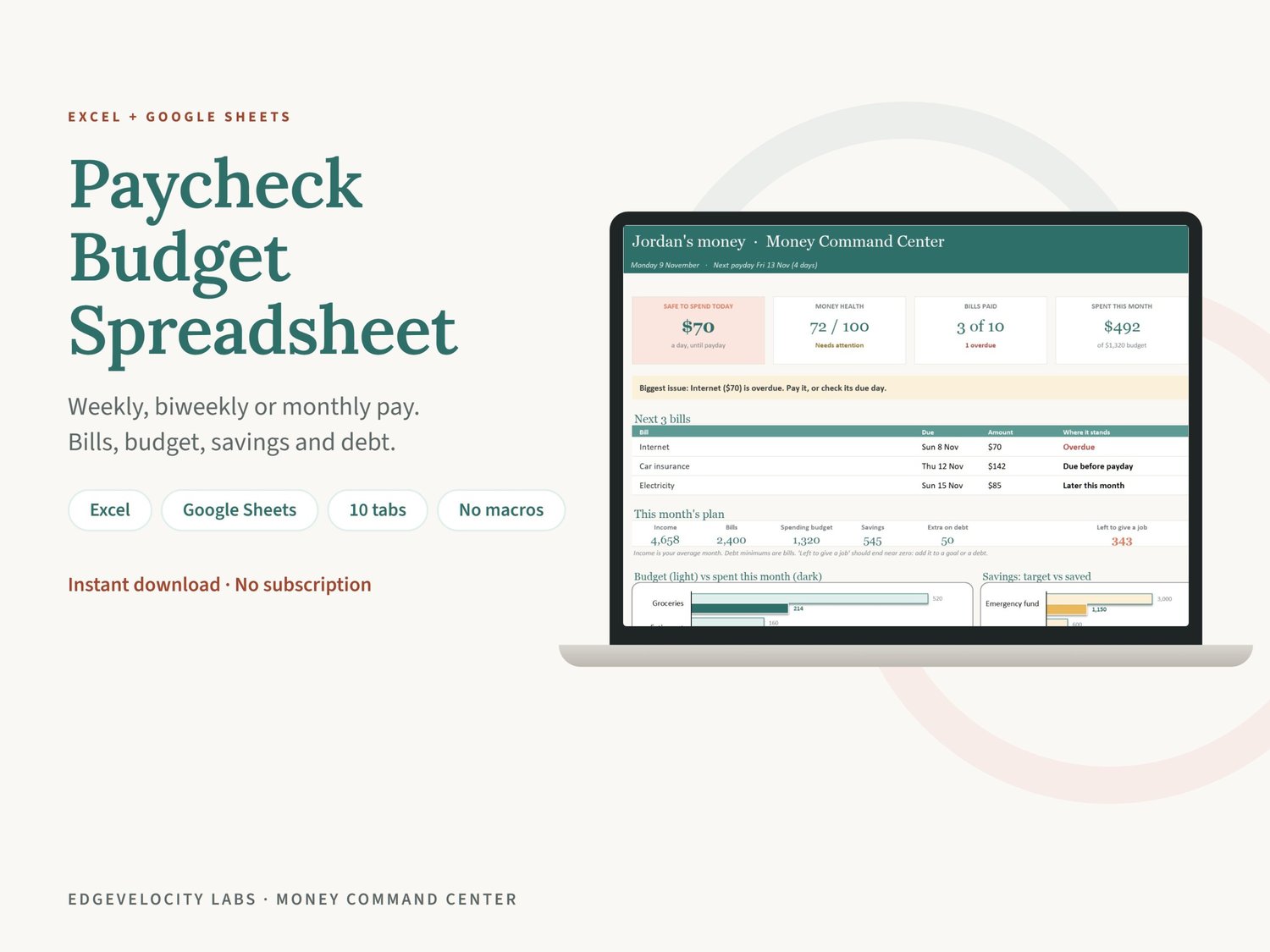
Money Command Center is an ADHD-friendly paycheck budget spreadsheet for Excel and Google Sheets. Enter your pay, how often you're paid, your bank balance and your bills on the Setup and Bills tabs, and the Dashboard shows one number for today: what's safe to spend until payday.
━━━━━━━━━━━━━━━━━━━━
WHAT MAKES IT DIFFERENT
━━━━━━━━━━━━━━━━━━━━
◆ Safe to spend today: your balance, minus the bills due before payday, minus a cushion you never touch, shared across the days until payday
◆ Weekly, every-two-weeks (biweekly) or monthly pay. It works out your next payday for you
◆ "Your biggest issue" in plain words, so you know what to fix first
◆ A money health score out of 100, from bills on time, spending pace, your cushion and your goals
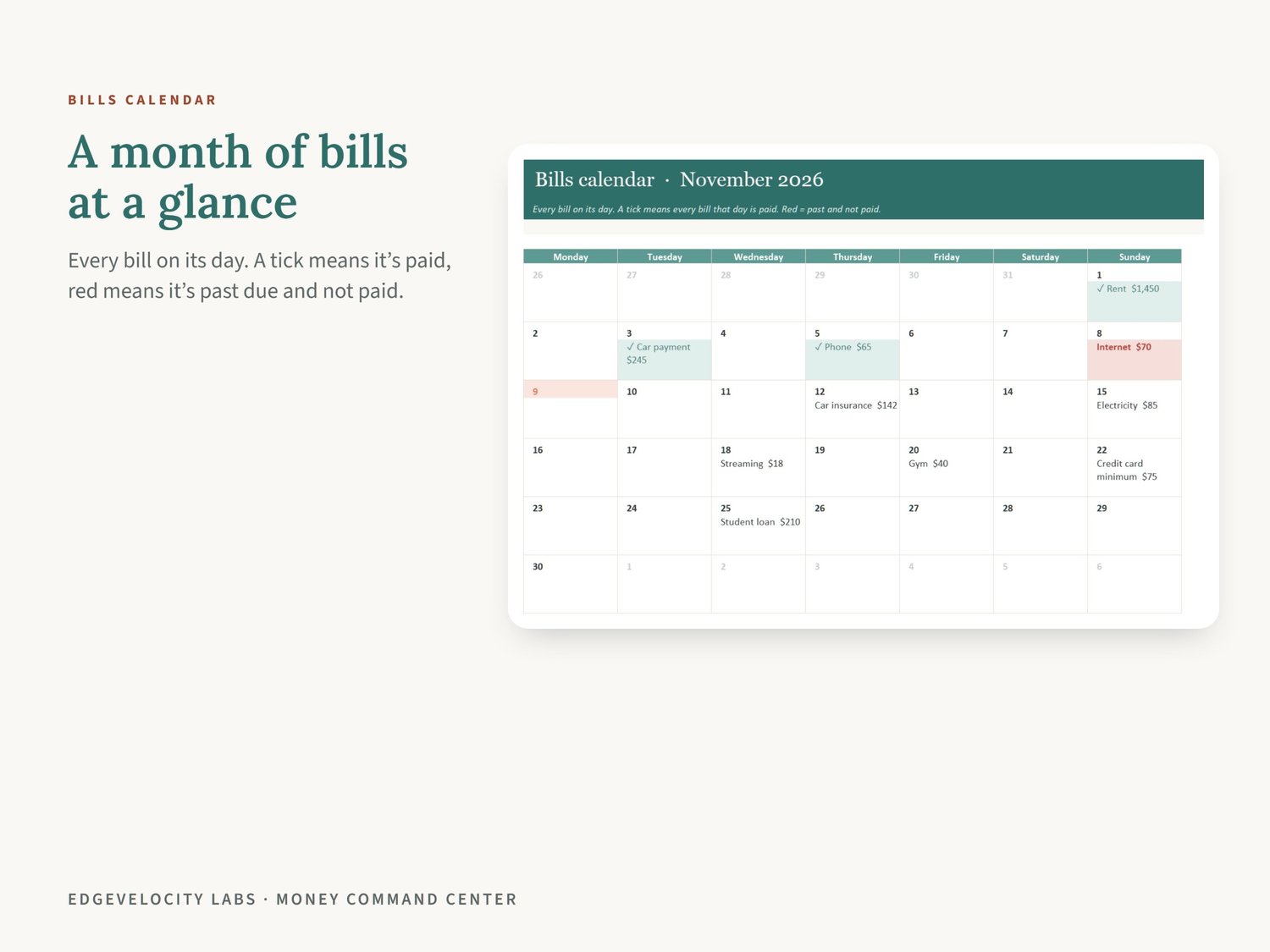
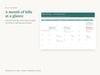
◆ A bills calendar that shows every bill on its day, paid or overdue
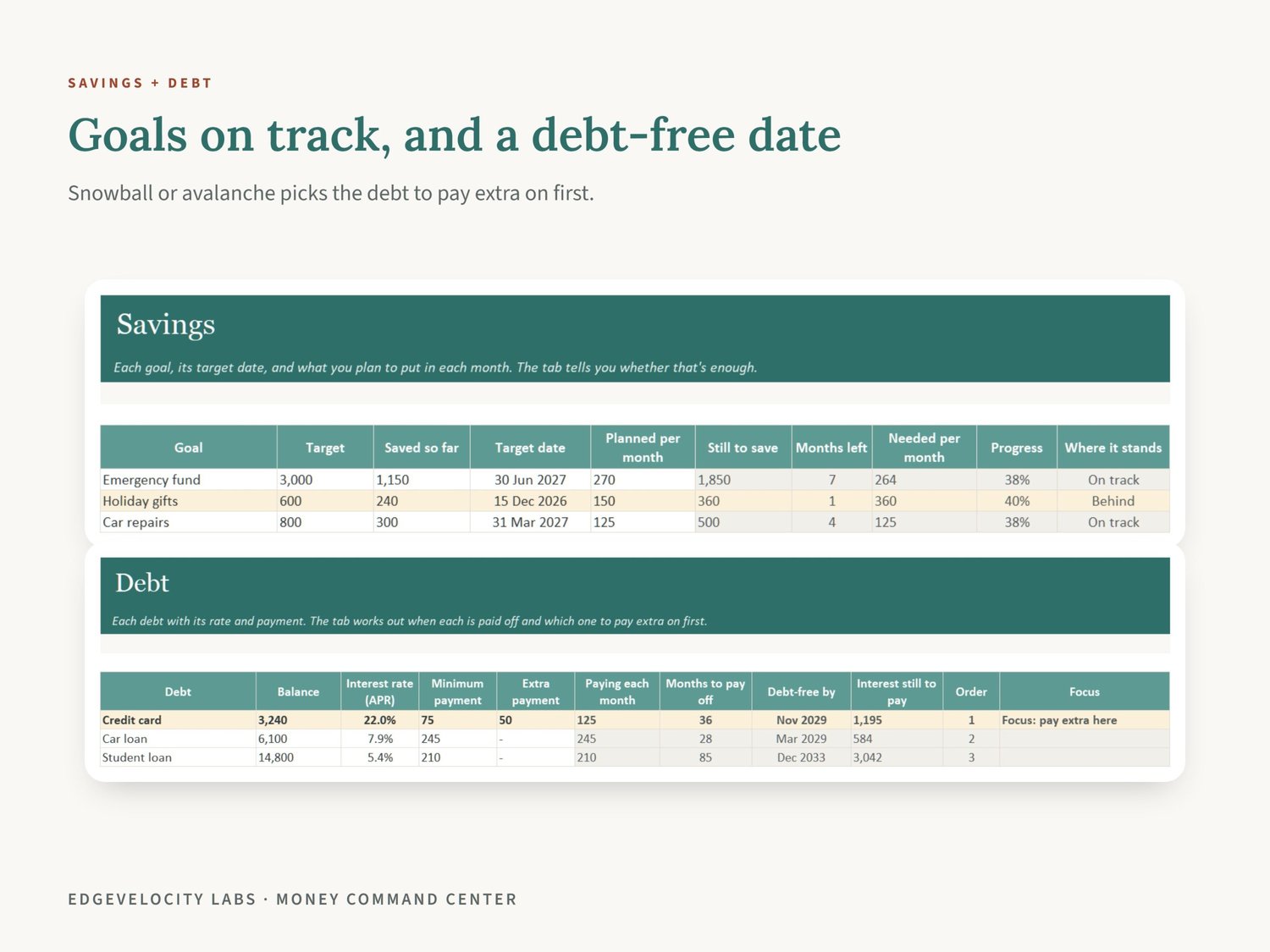
◆ Debt payoff with snowball or avalanche, and the month you'll be debt-free
━━━━━━━━━━━━━━━━━━━━
WHAT'S INCLUDED
━━━━━━━━━━━━━━━━━━━━
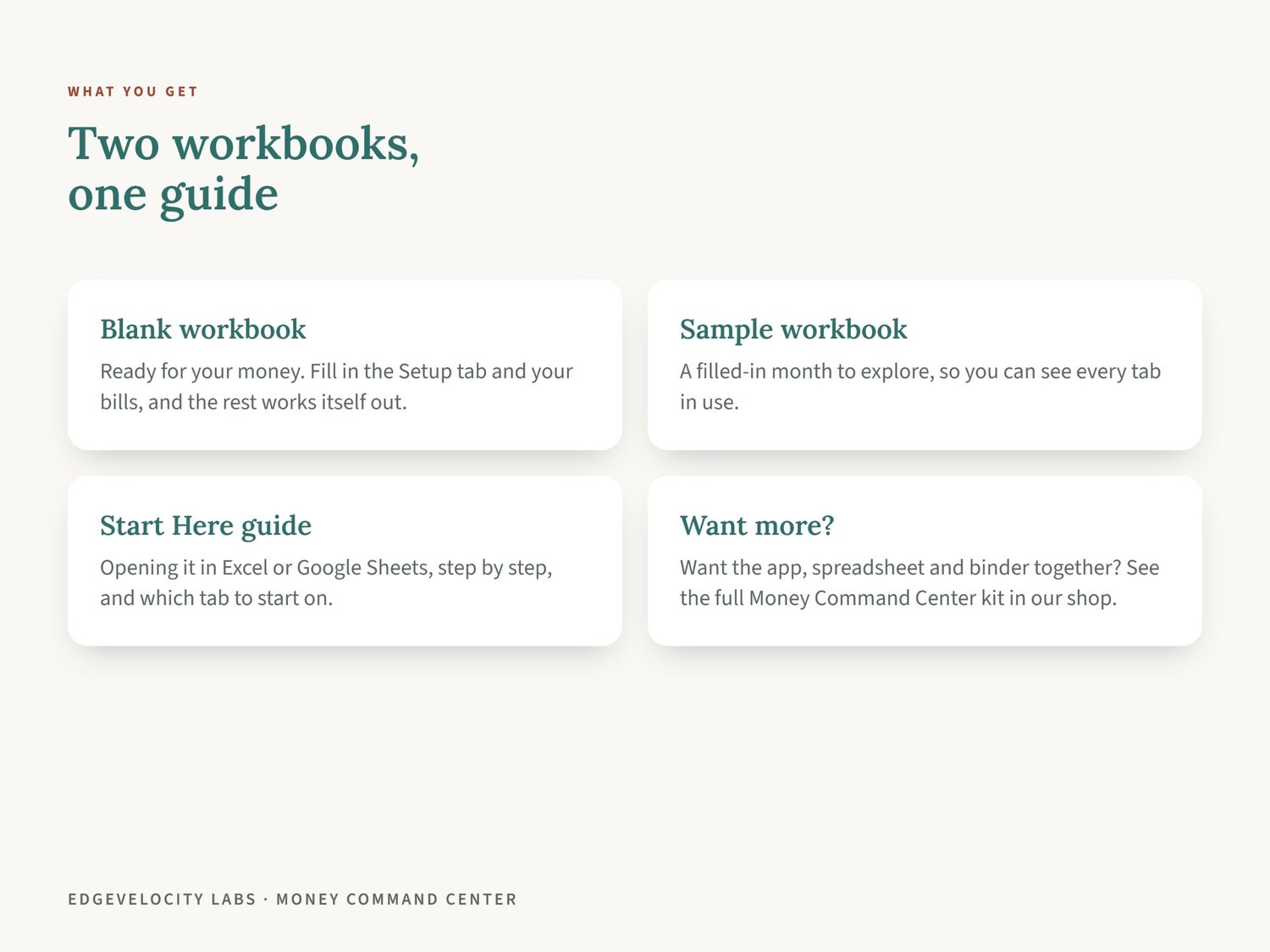
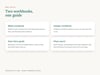
✔ BLANK WORKBOOK: ready for your money.
✔ SAMPLE WORKBOOK: a filled-in month to explore, so you can see every tab in use.
✔ START HERE GUIDE: opening it in Excel or Google Sheets, step by step.
━━━━━━━━━━━━━━━━━━━━
10 TABS
━━━━━━━━━━━━━━━━━━━━
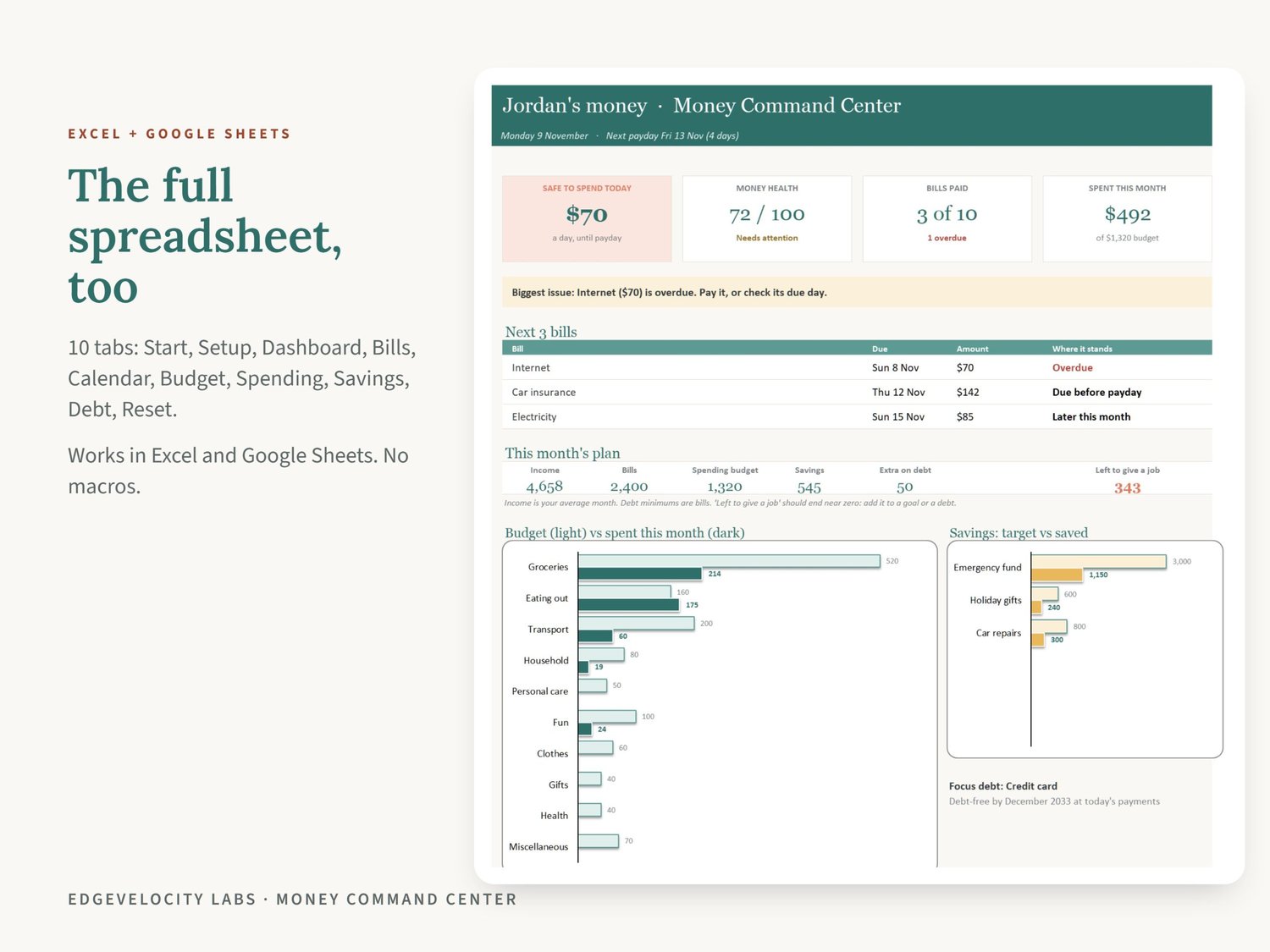
• Start: what each tab does, and what you fill in vs what's worked out for you.
• Setup: your name, take-home pay, how often you're paid, a recent payday, your balance, your cushion and your debt payoff method.
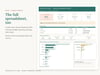
• Dashboard: safe to spend today, your score, your biggest issue, your next 3 bills, this month's plan and charts.
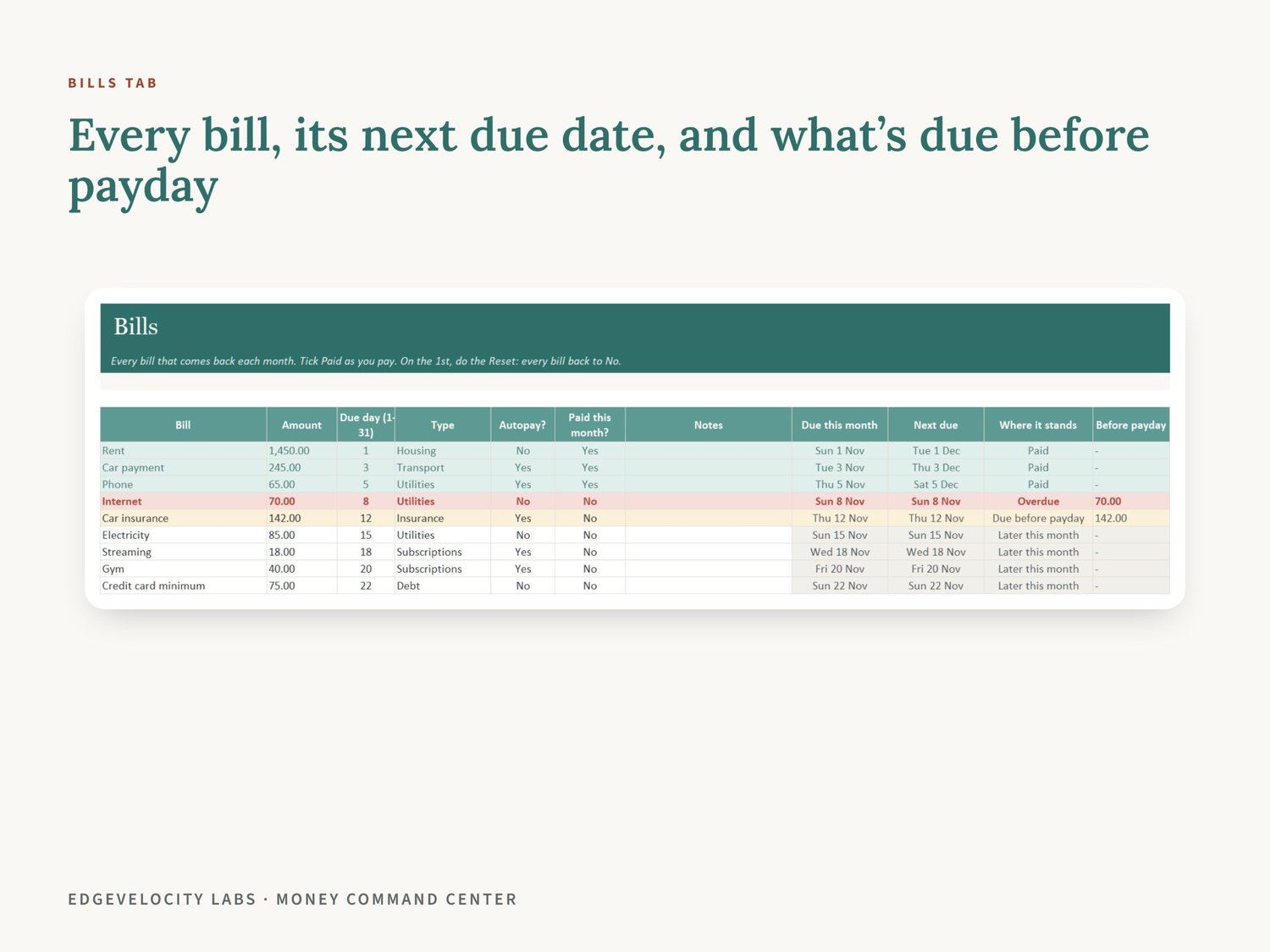
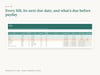
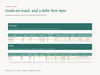
• Bills: every bill with its due day, type and autopay, the next due date, where it stands and what's due before payday.
• Calendar: the month with every bill on its day.
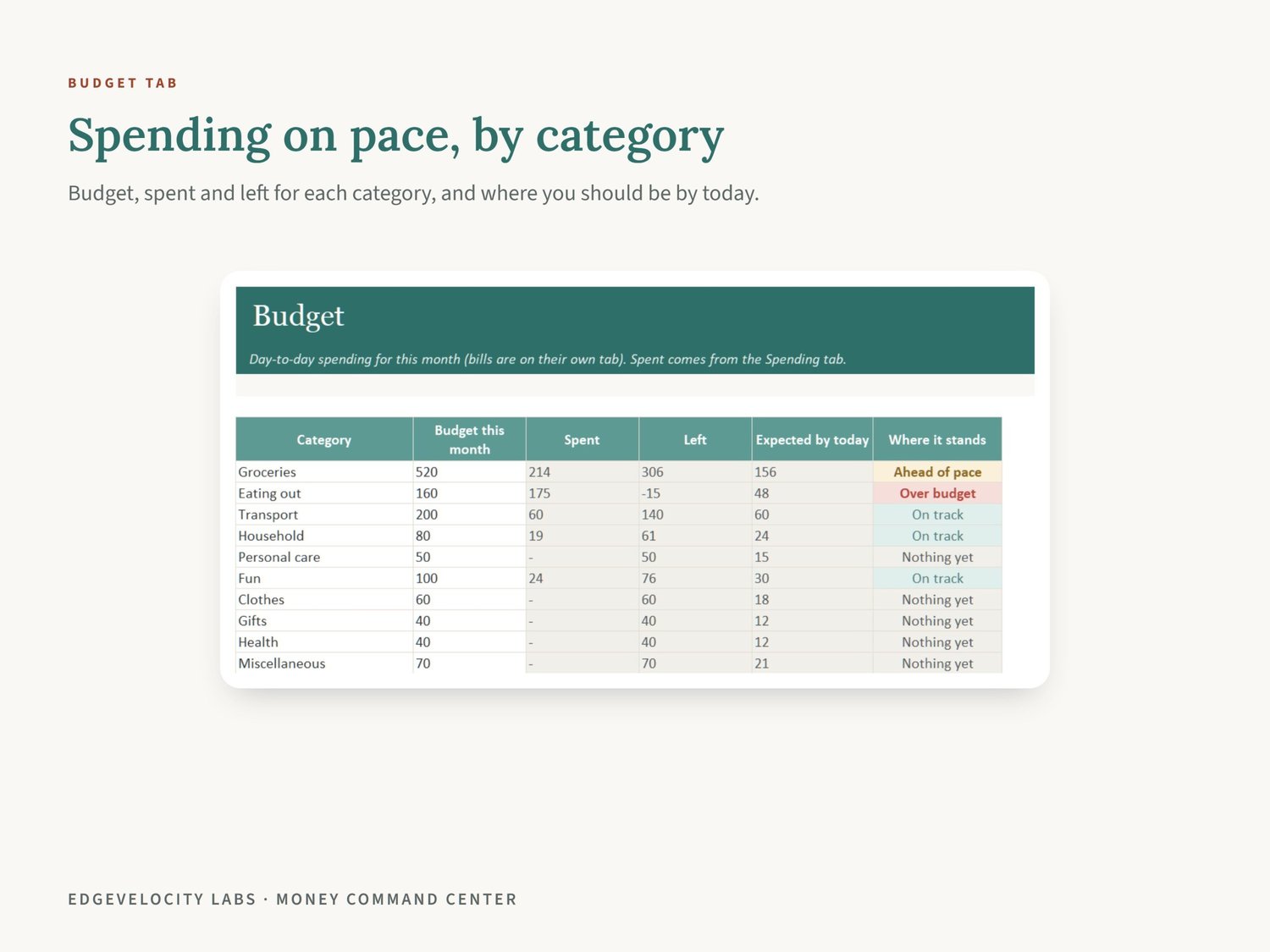
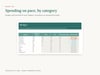
• Budget: budget, spent and left for each category, and where you should be by today.
• Spending: a simple log of what you spend, by date and category.
• Savings: each goal, its target date, and the amount needed per month.
• Debt: each debt with its rate and payment, months to pay off, interest still to pay and which one to focus on.
• Reset: the 10-minute monthly reset checklist.
━━━━━━━━━━━━━━━━━━━━
HOW IT WORKS
━━━━━━━━━━━━━━━━━━━━
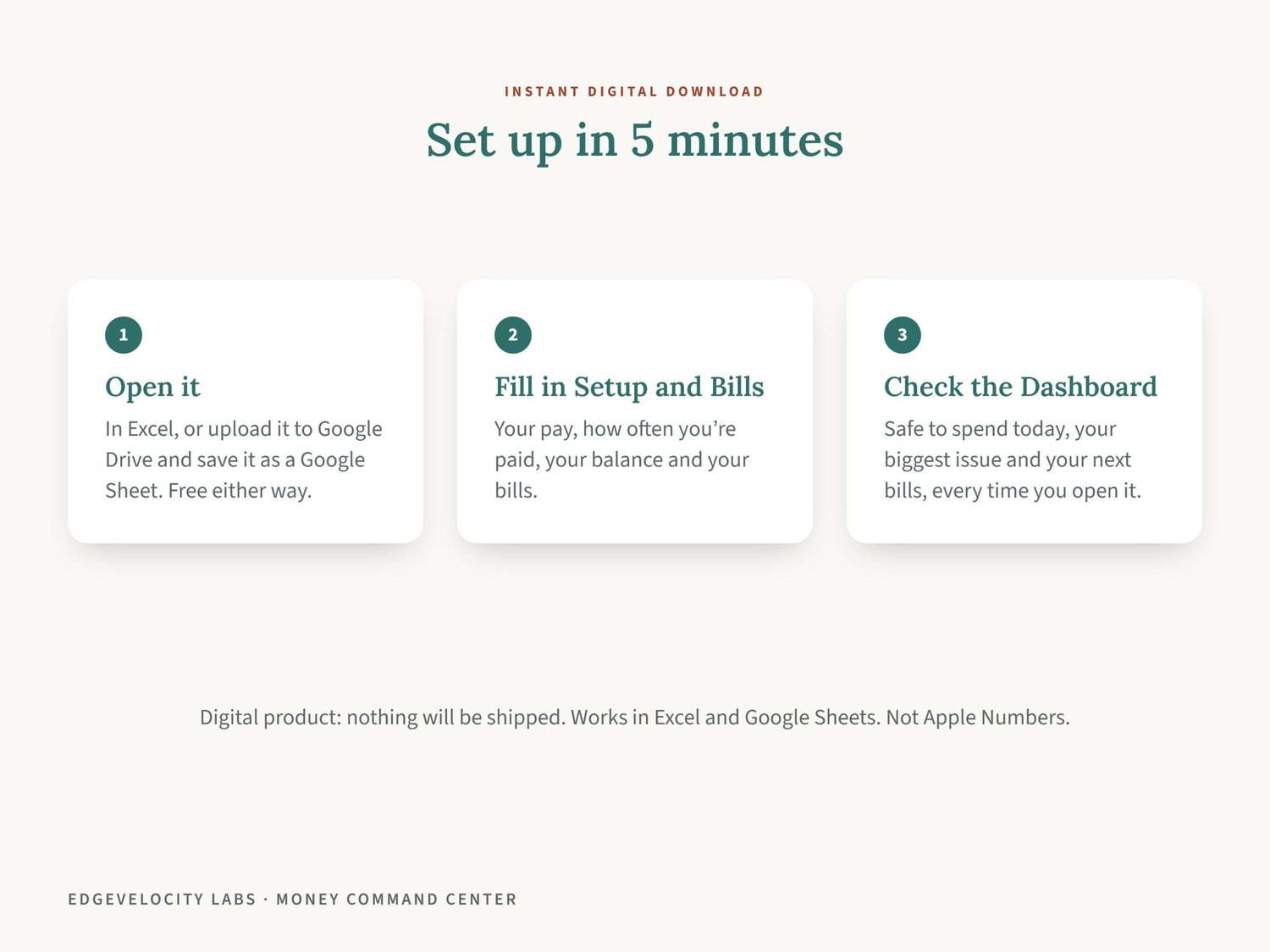
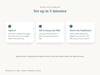
1. Buy, then download the files straight away: the link is on screen after checkout and in your email. Unzip the spreadsheets file.
2. Open the Blank workbook in Excel, or upload it to Google Drive and save it as a Google Sheet (free).
3. Fill in the Setup and Bills tabs. The Dashboard fills in from there.
━━━━━━━━━━━━━━━━━━━━
WANT THE APP AND BINDER TOO?
━━━━━━━━━━━━━━━━━━━━
The full Money Command Center kit adds the phone app (works offline) and the 23-page printable budget binder:
See all formats at edgevelocity.net/kits/adhd-budget-planner/
━━━━━━━━━━━━━━━━━━━━
GOOD TO KNOW
━━━━━━━━━━━━━━━━━━━━
• This is a digital download. Nothing will be shipped.
• Prices are in Canadian dollars (CAD).
• Works in Microsoft Excel (desktop or web) and Google Sheets (free). It does not need Apple Numbers. No macros.
• Nothing connects to your bank: you type your balance.
• Screens in the photos show the included sample. Device frames are illustrations.
• Amounts use your own currency symbol.
• This planner helps you organize your money. It isn't financial advice.
• For personal use only. Please don't share or resell the files.
• Questions? Email support@edgevelocity.net and we'll reply within one business day.
Made by edgeVelocity Labs, a small studio in Canada that builds planners with project-management know-how.