

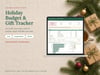
Holiday Budget & Gift Tracker: Christmas Budget Planner Spreadsheet
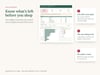
How much is left after the gifts you still have to buy? This Christmas budget spreadsheet tells you before you shop, not in January.
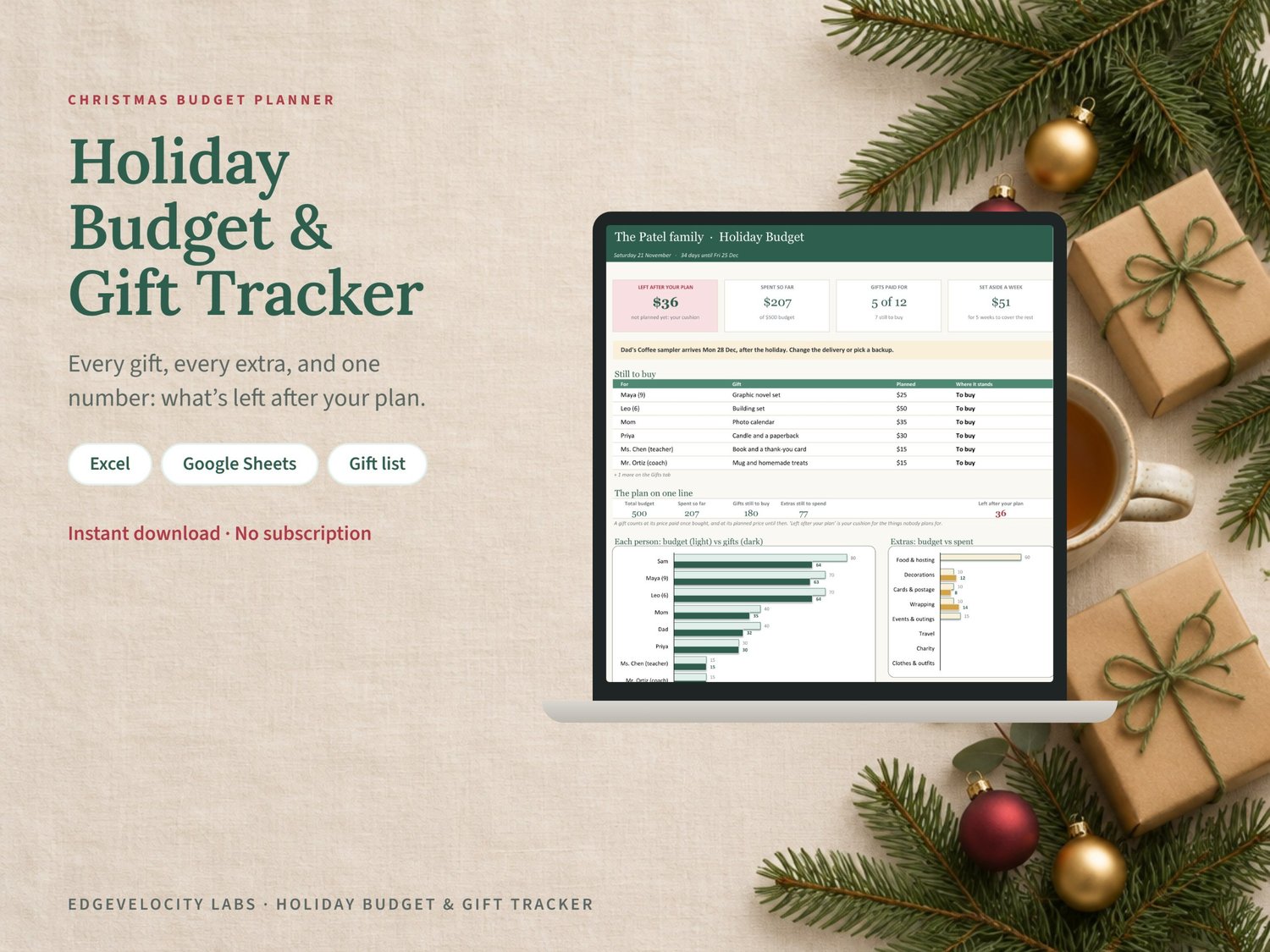
Holiday Budget & Gift Tracker is a Christmas budget planner for Google Sheets and Excel. Set one total budget, list the people you're buying for with a budget each, add your gift ideas, and the dashboard shows what's left after your plan, what you've spent, and how much to set aside each week until the holiday.
━━━━━━━━━━━━━━━━━━━━
WHAT MAKES IT DIFFERENT
━━━━━━━━━━━━━━━━━━━━
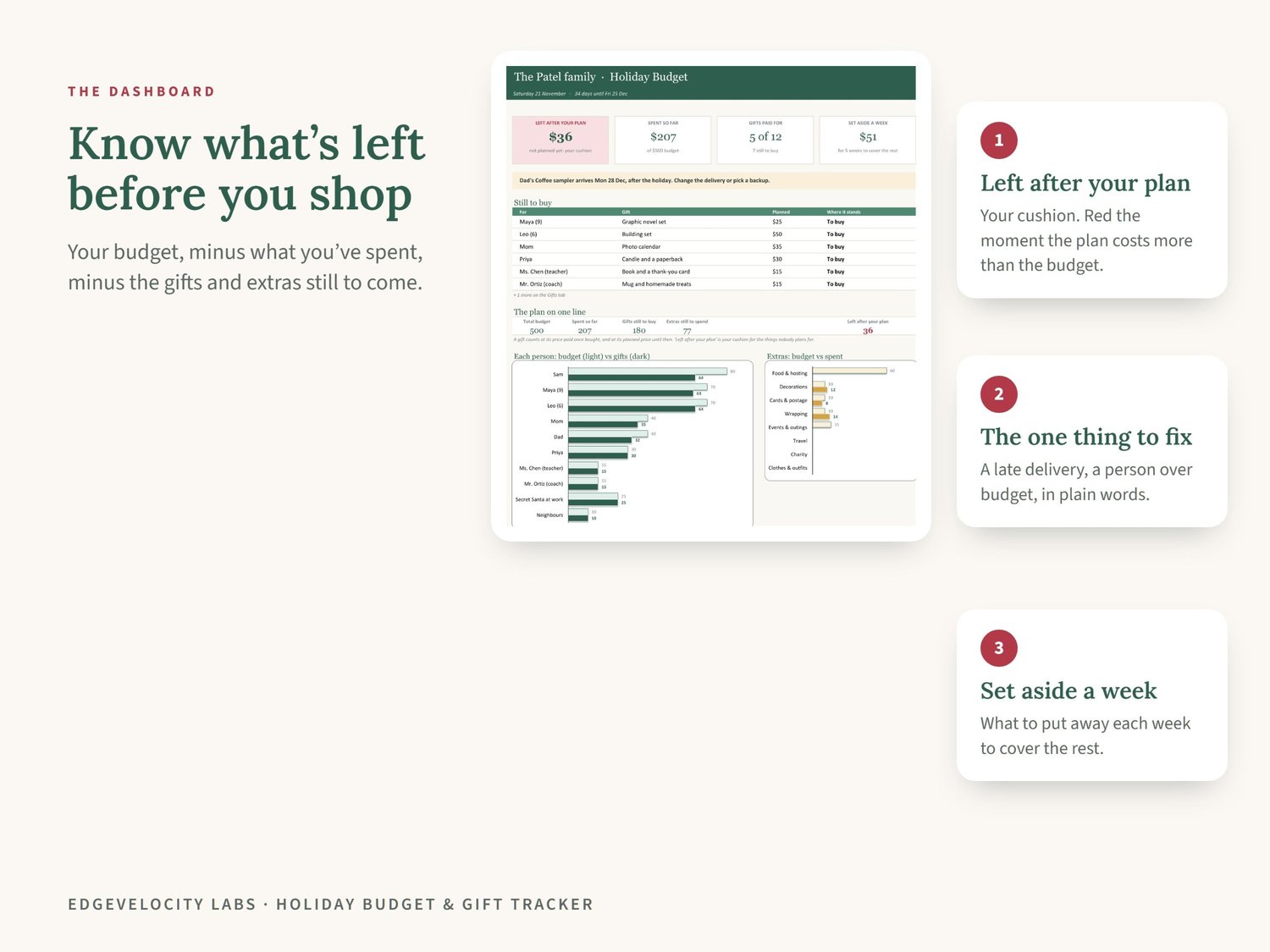
◆ Left after your plan: your budget, minus what you've spent, minus the gifts and extras still to come. It turns red the moment the plan costs more than the budget
◆ The one thing to fix first, in plain words: an order that arrives after the holiday, a person over their budget, an extra that's run over
◆ Set aside a week: what to put away each week to cover everything still to buy
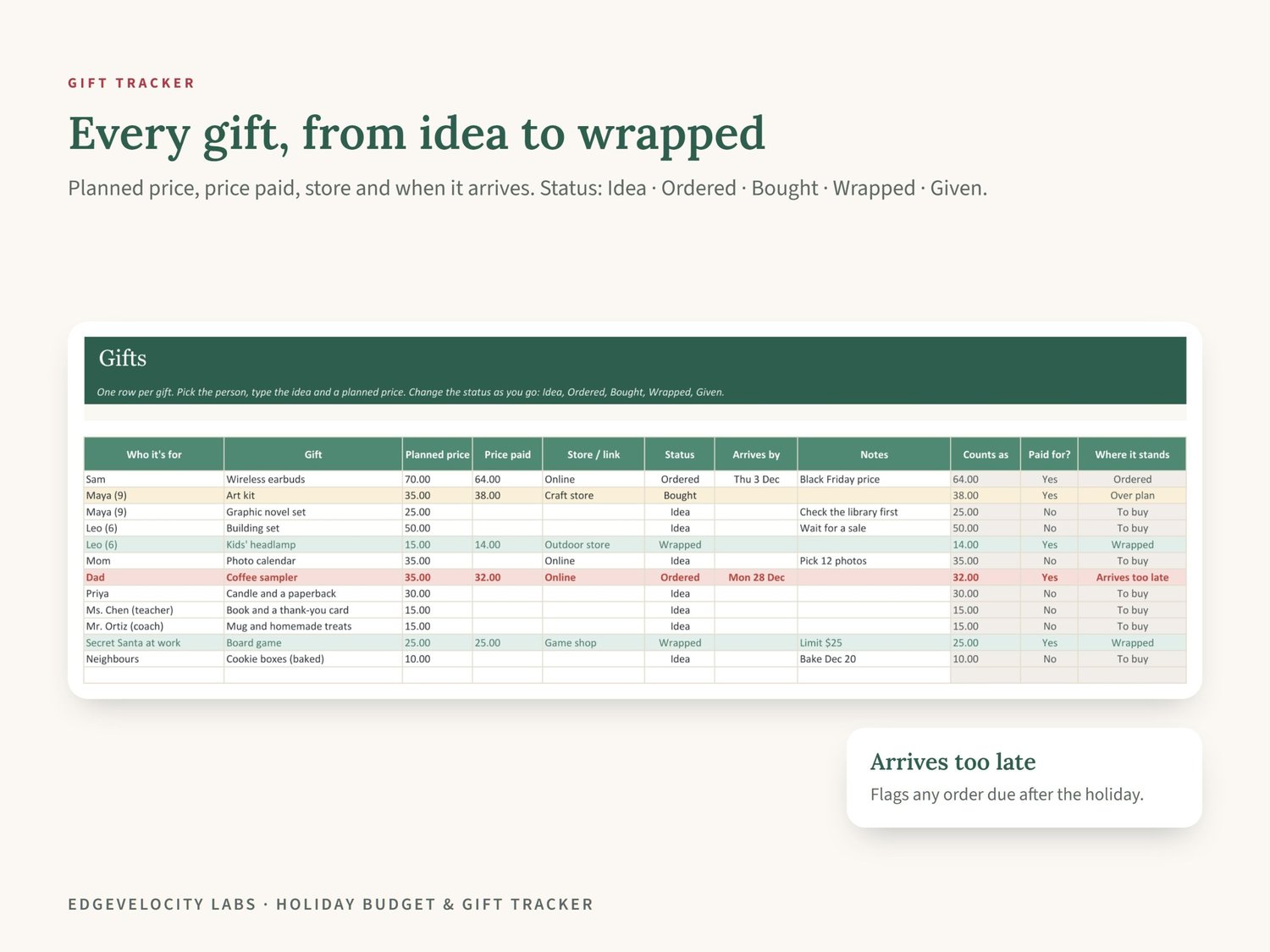
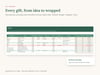
◆ Gift statuses from Idea to Ordered, Bought, Wrapped and Given, with an "Arrives too late" warning for slow deliveries
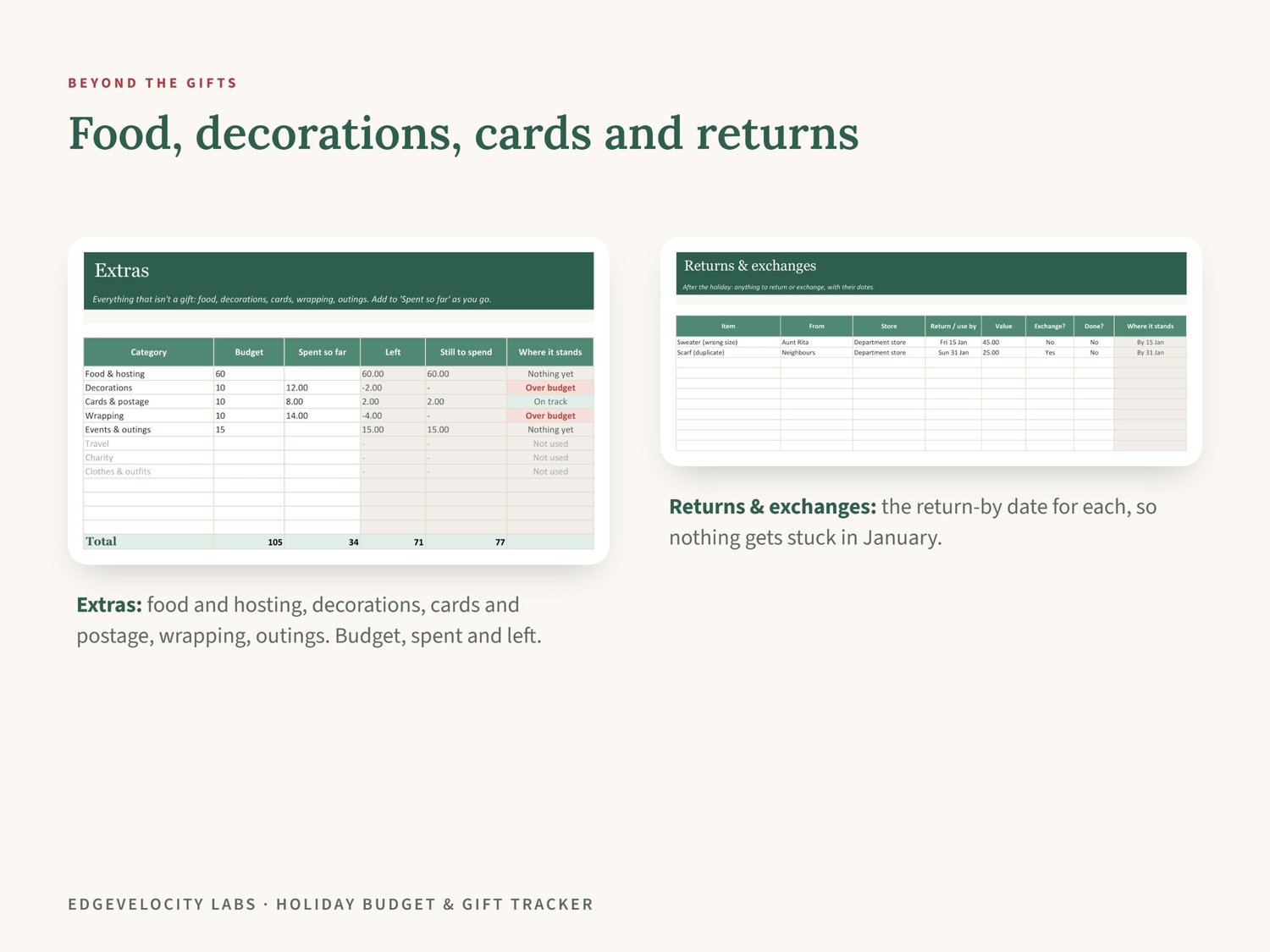
◆ A Returns & exchanges tab with the return-by dates, so nothing gets stuck in January
━━━━━━━━━━━━━━━━━━━━
WHAT'S INCLUDED
━━━━━━━━━━━━━━━━━━━━
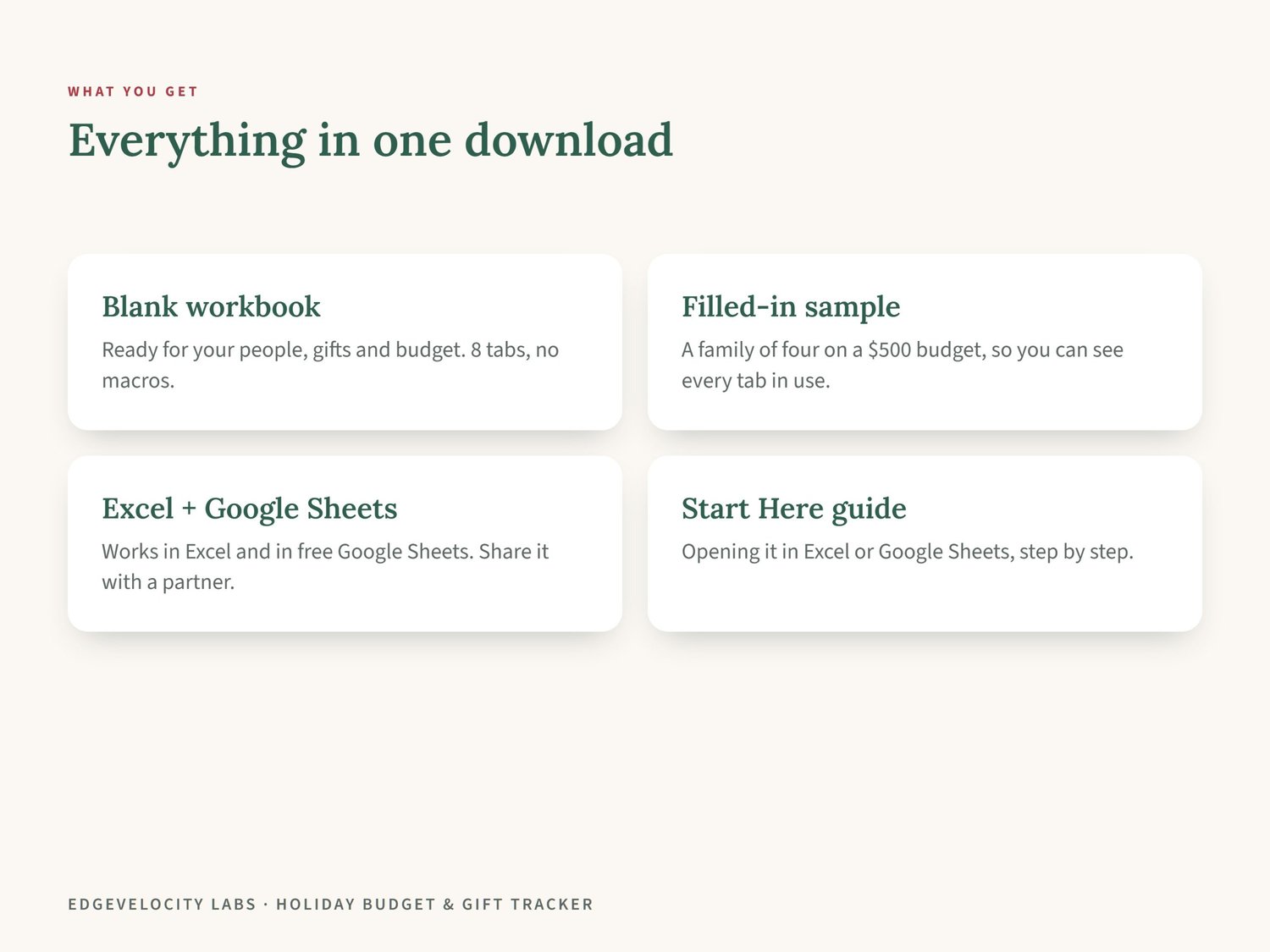
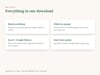
✔ BLANK WORKBOOK: ready for your people, gifts and budget.
✔ SAMPLE WORKBOOK: a family of four on a $500 budget, so you can see every tab in use.
✔ START HERE GUIDE: opening it in Excel or Google Sheets, step by step.
━━━━━━━━━━━━━━━━━━━━
8 TABS
━━━━━━━━━━━━━━━━━━━━
• Start: what each tab does.
• Setup: your total budget, the holiday date and your last day to order online.
• Dashboard: left after your plan, spent so far, gifts paid for, set aside a week, the one thing to fix, the next 6 gifts to buy, and charts.
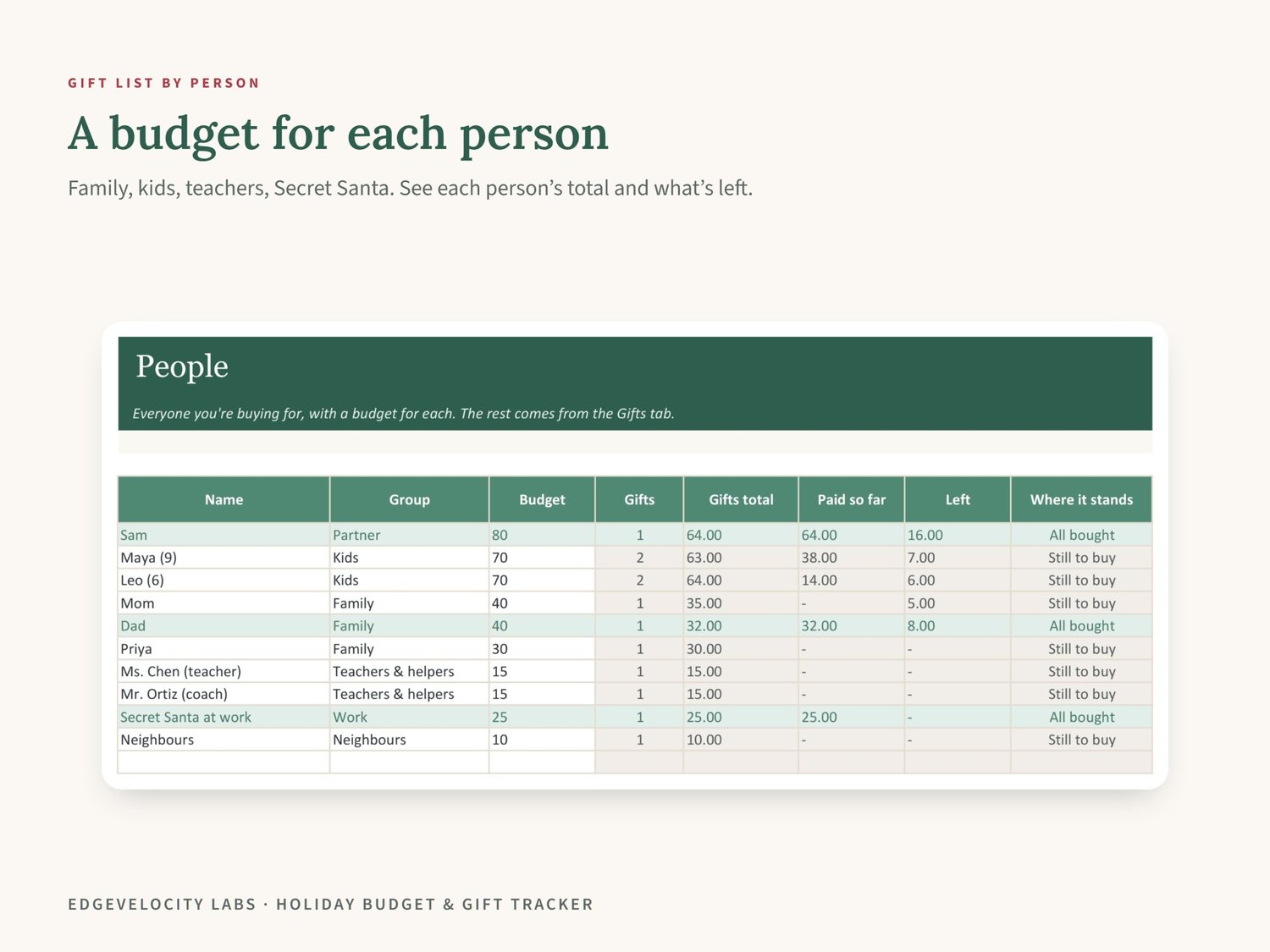
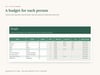
• People: everyone you're buying for (family, kids, teachers, Secret Santa), with a budget each, their gifts total and what's left.
• Gifts: one row per gift with the planned price, price paid, store or link, status and delivery date.
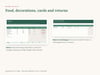
• Extras: food and hosting, decorations, cards and postage, wrapping and outings, with budget, spent and left.
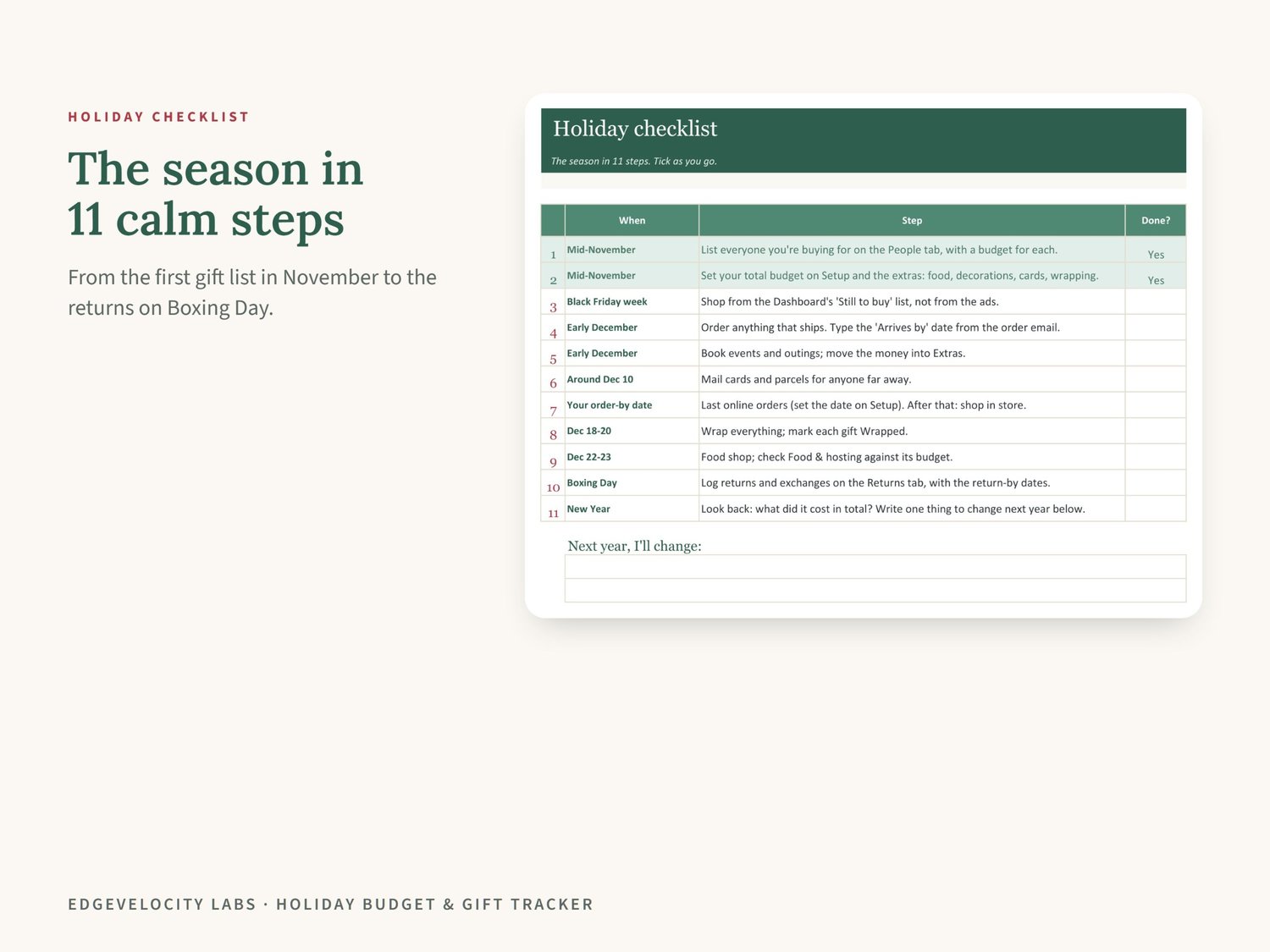
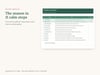
• Checklist: the season in 11 calm steps, from the first list in November to Boxing Day.
• Returns: returns and exchanges with their return-by dates.
━━━━━━━━━━━━━━━━━━━━
HOW IT WORKS
━━━━━━━━━━━━━━━━━━━━
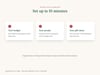
1. Buy and download the files straight after checkout. Payhip also emails you the download link.
2. Open the Blank workbook in Excel, or upload it to Google Drive and save it as a Google Sheet (free).
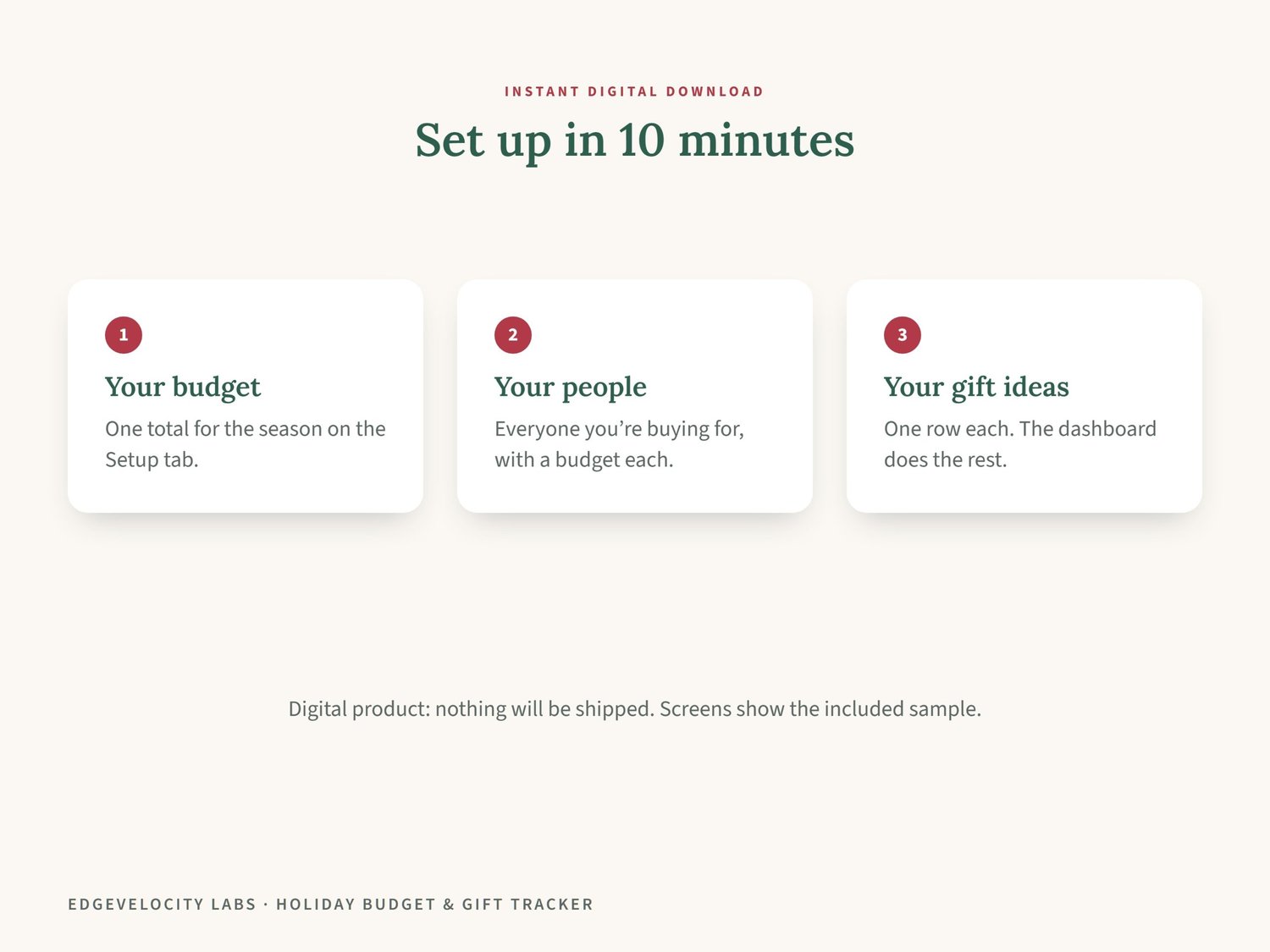
3. Fill in Setup, People and Gifts. The Dashboard does the rest.
━━━━━━━━━━━━━━━━━━━━
GOOD TO KNOW
━━━━━━━━━━━━━━━━━━━━
• This is a digital download. Nothing will be shipped.
• Works in Microsoft Excel (desktop or web) and Google Sheets (free). It does not need Apple Numbers. No macros.
• Works for any holiday: change the date on the Setup tab.
• Screens in the photos show the included sample. The holiday table backdrop in the first photo is AI-generated; the device frame is an illustration.
• Amounts use your own currency symbol.
• Prices are in Canadian dollars (CAD).
• For personal use only. Please don't share or resell the files.
• Questions? Email support@edgevelocity.net and we'll reply within one business day.
Made by edgeVelocity Labs, a small studio in Canada that builds planners with project-management know-how.